
From ordinary photos to standout listings.
Smart AI based Real estate Photo edit build for Realtors, listing agents, Airbnb, Hotel owners, Short term rentals owner. Enhance interior and exterior shots. No time consuming complex editing. Edit all photos in just one click.
50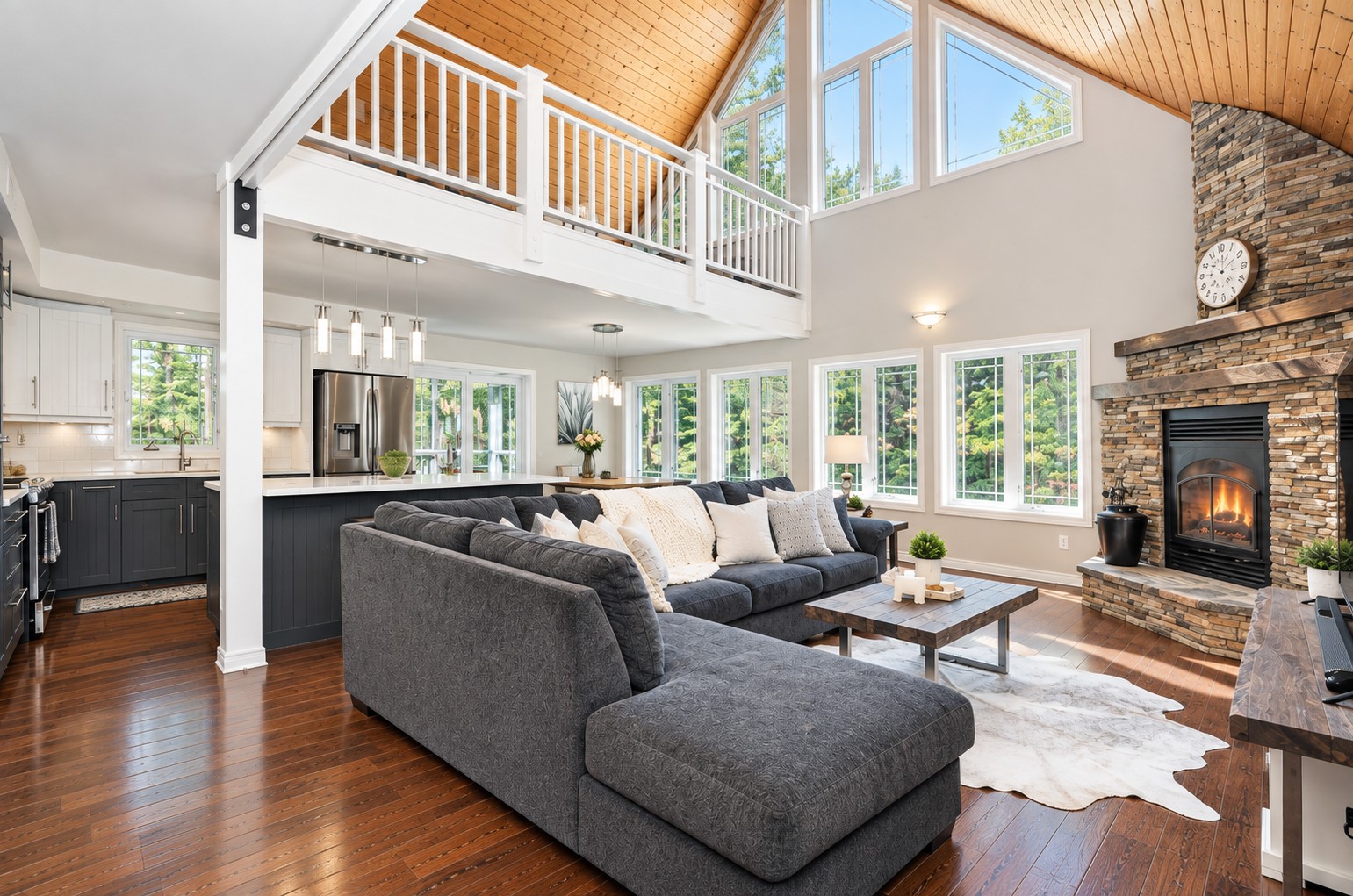
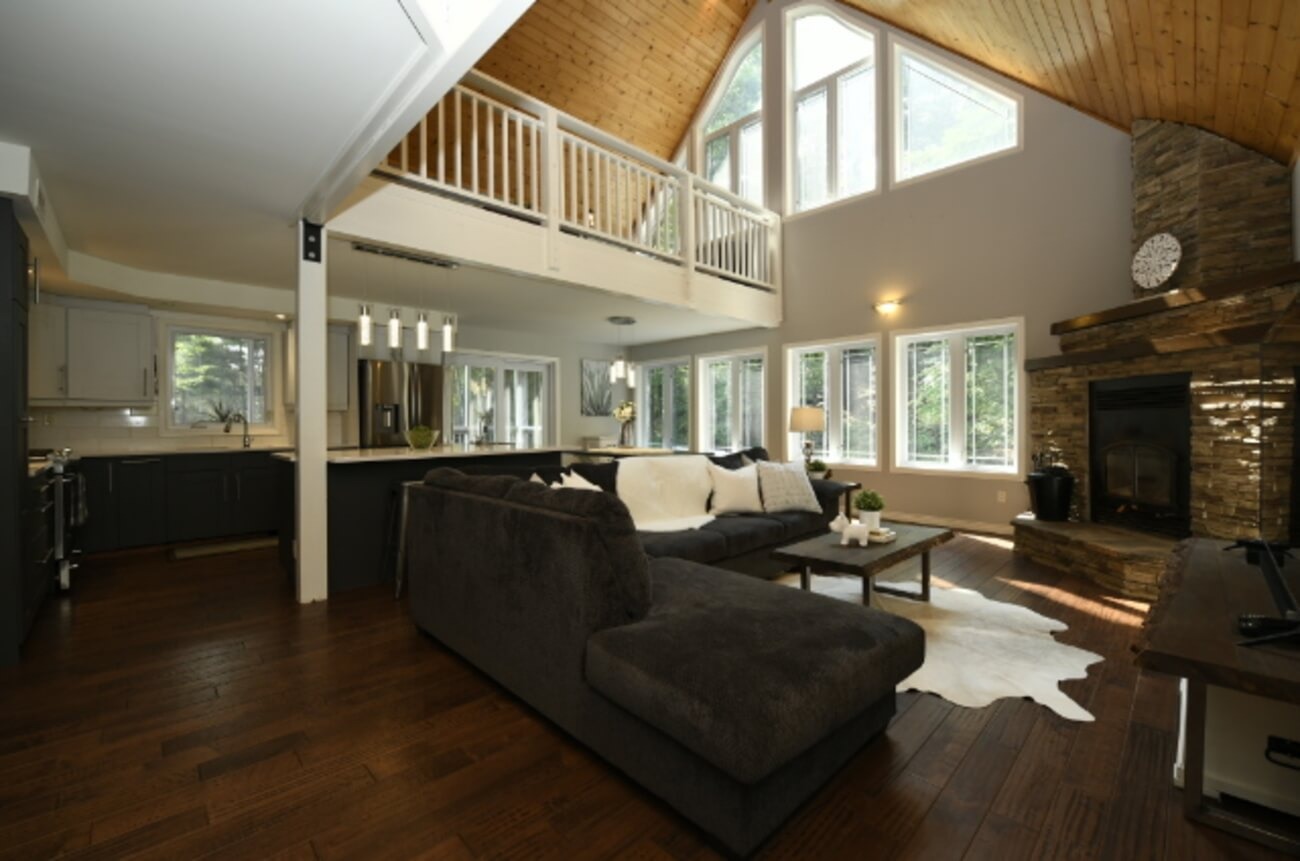 ↔
BeforeAfter
Sample photo · drag the handle to compare
Your preview
Built for busy hosts
Studio-grade photos, minus the photographer’s invoice
Fast Enhancement
Paste your listing link or upload photos and get an AI-enhanced version in about a minute. No editing skills needed.
Realistic Results
Better light, colour and perspective — with your rooms, furniture and views kept true to life.
Private by Default
Your photos are stored privately, and only your own browsing session can open them.
See The Transformations
Hover to reveal the AI-enhanced version
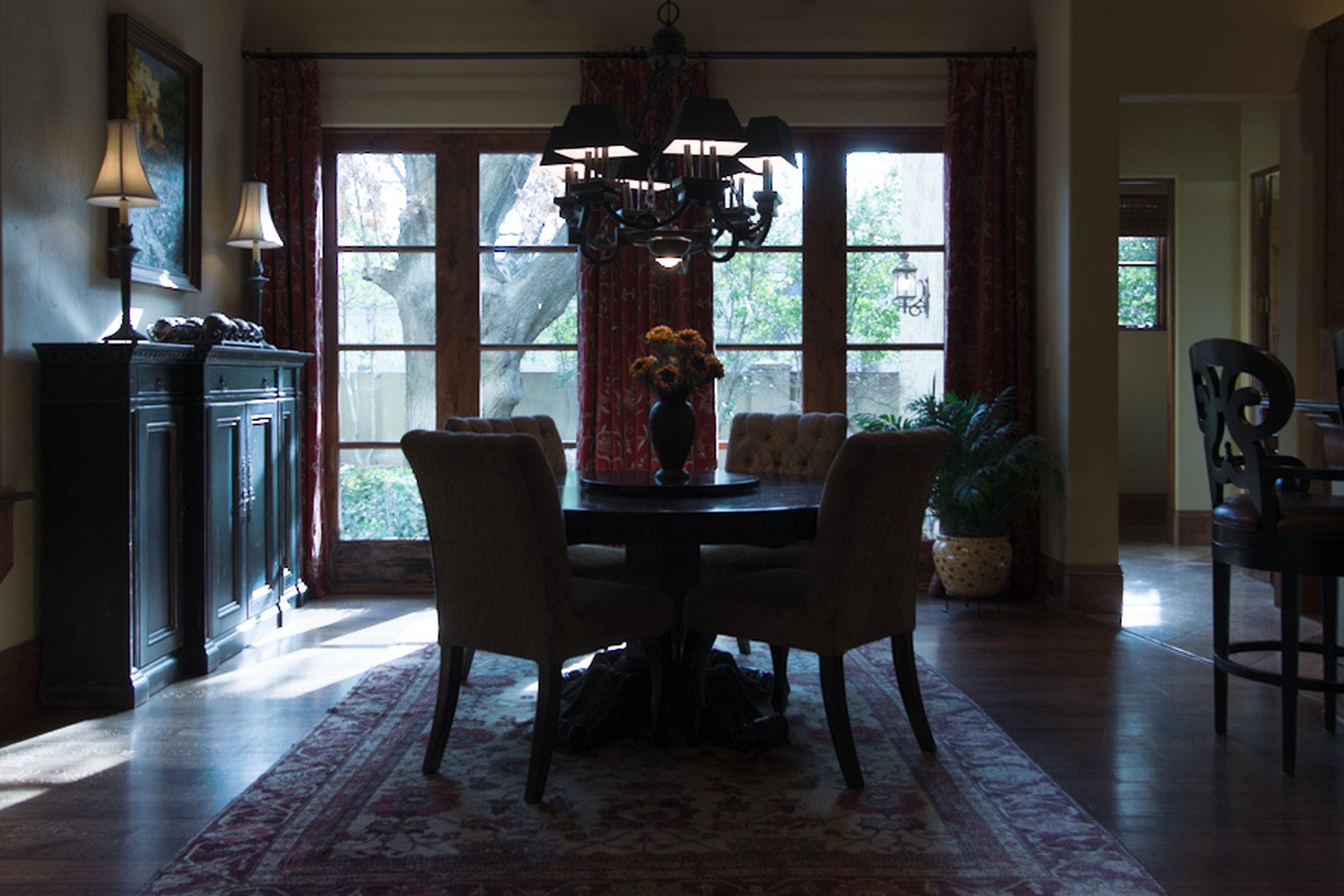
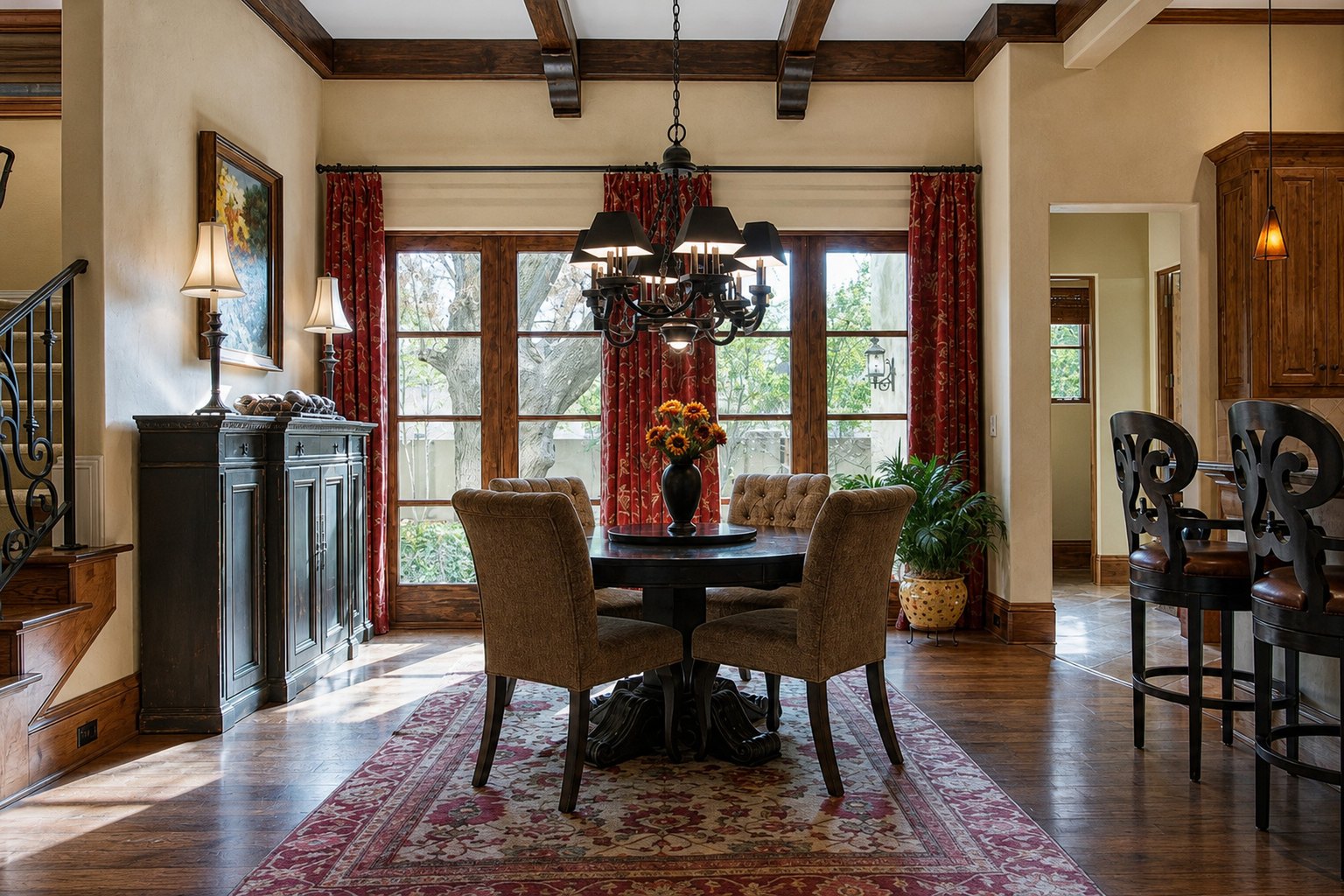 BeforeAfter
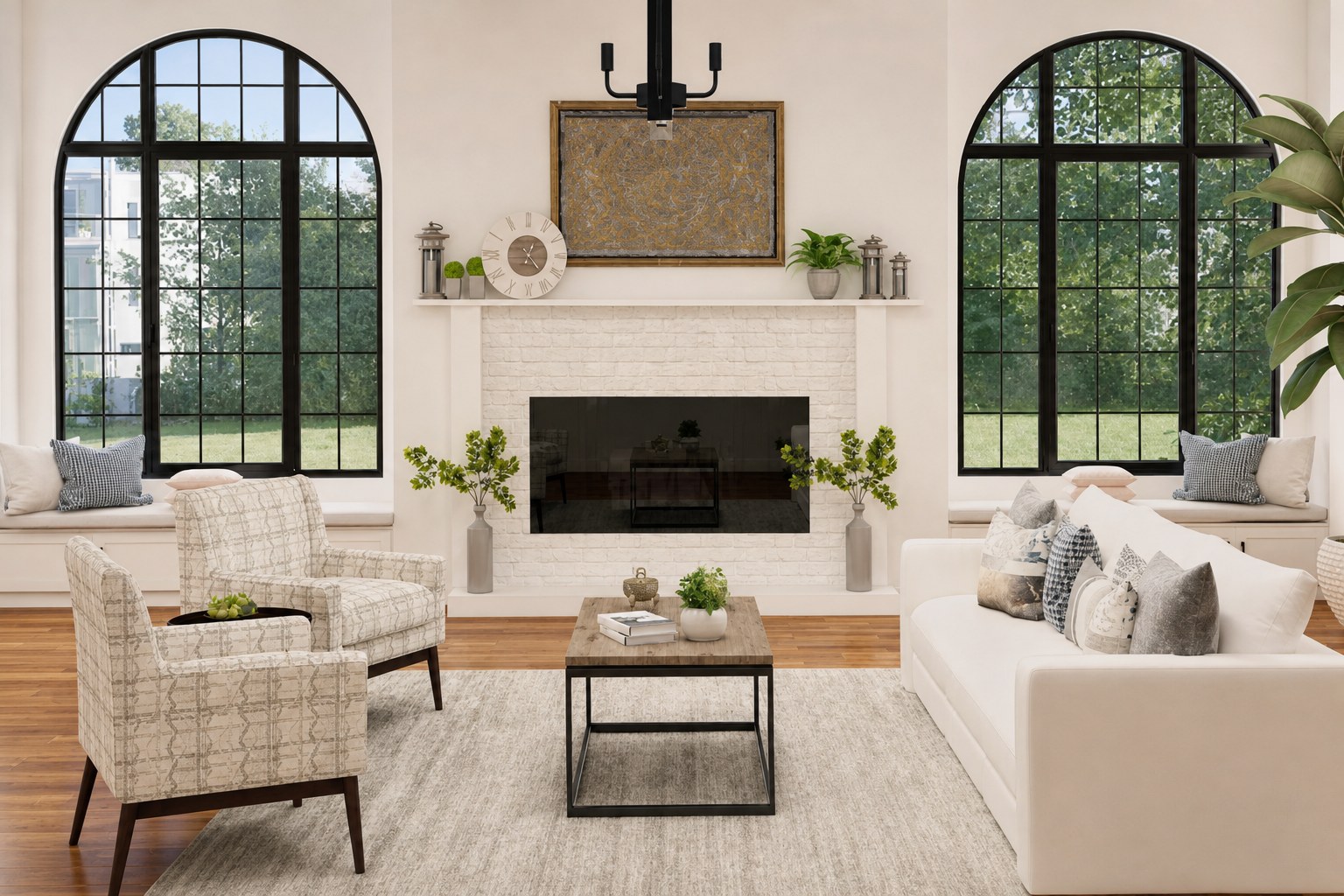 BeforeAfter
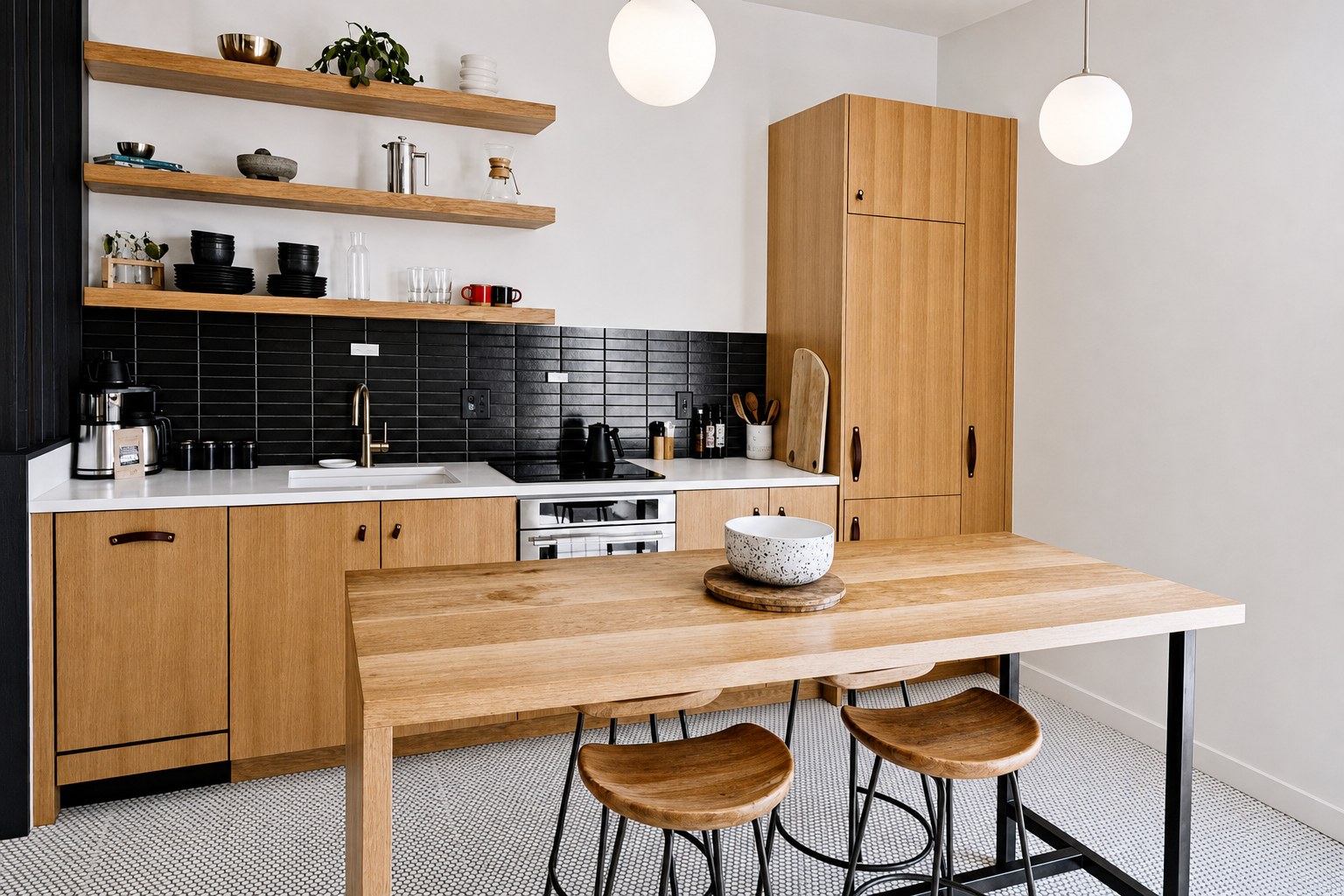 BeforeAfter
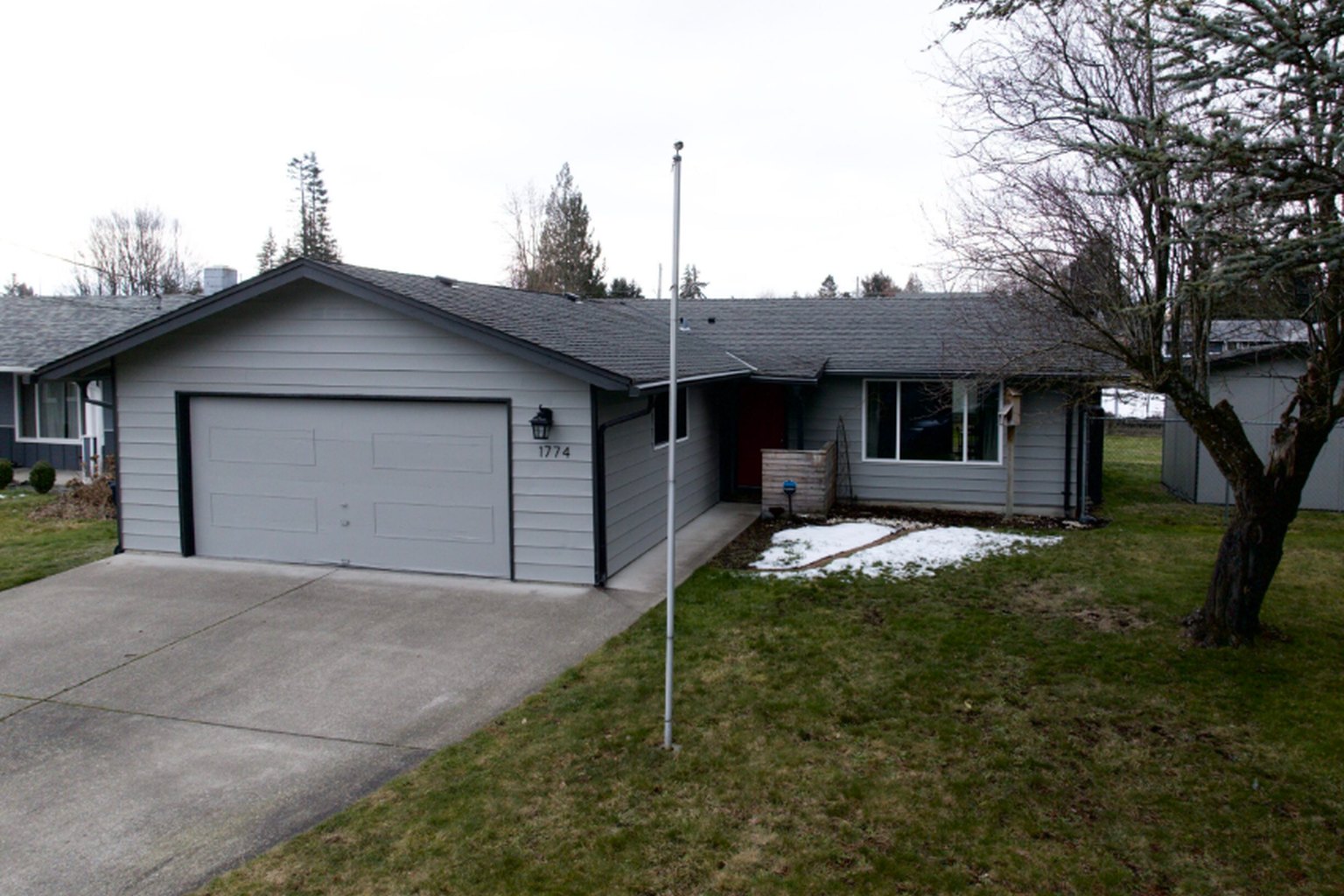
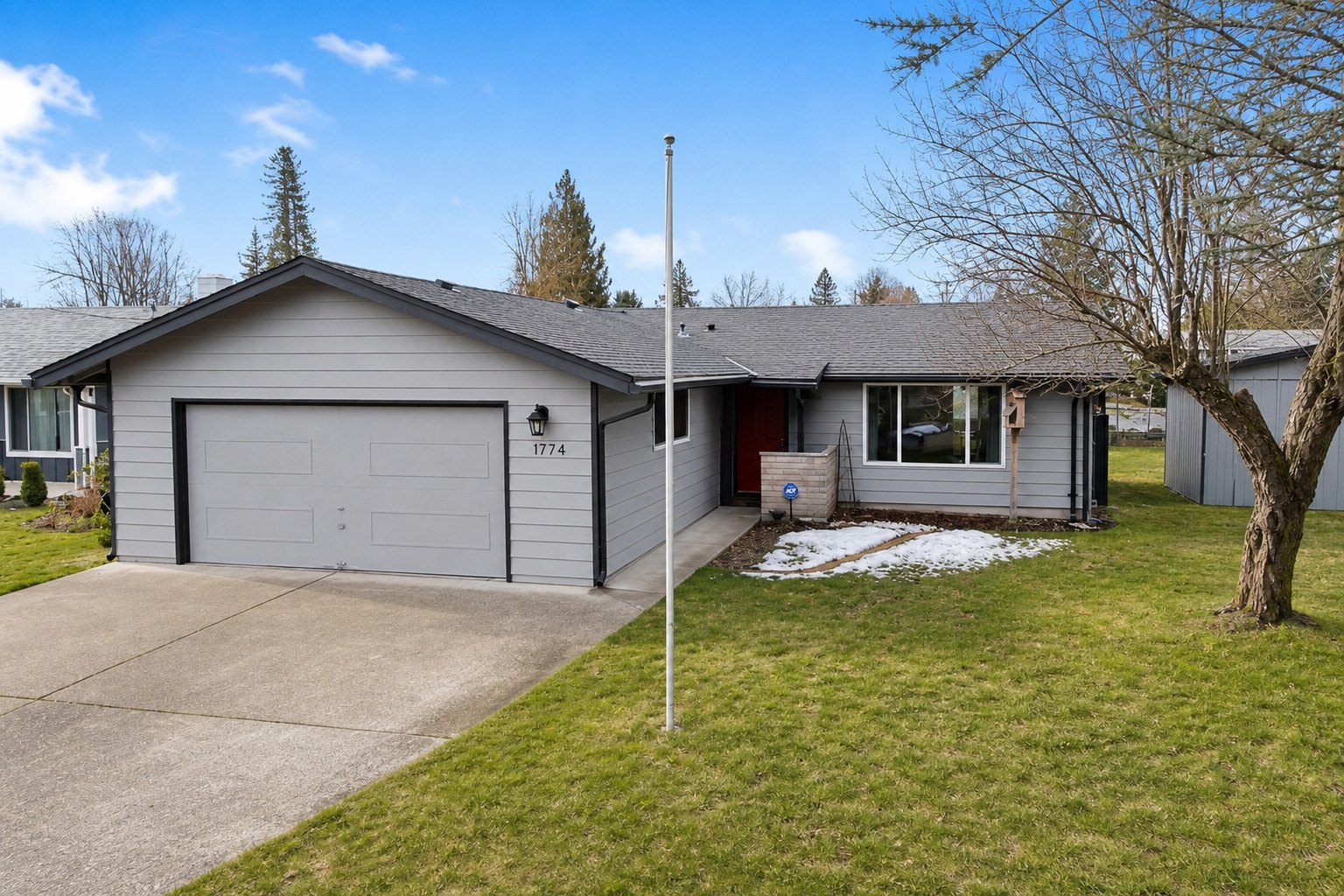 BeforeAfter
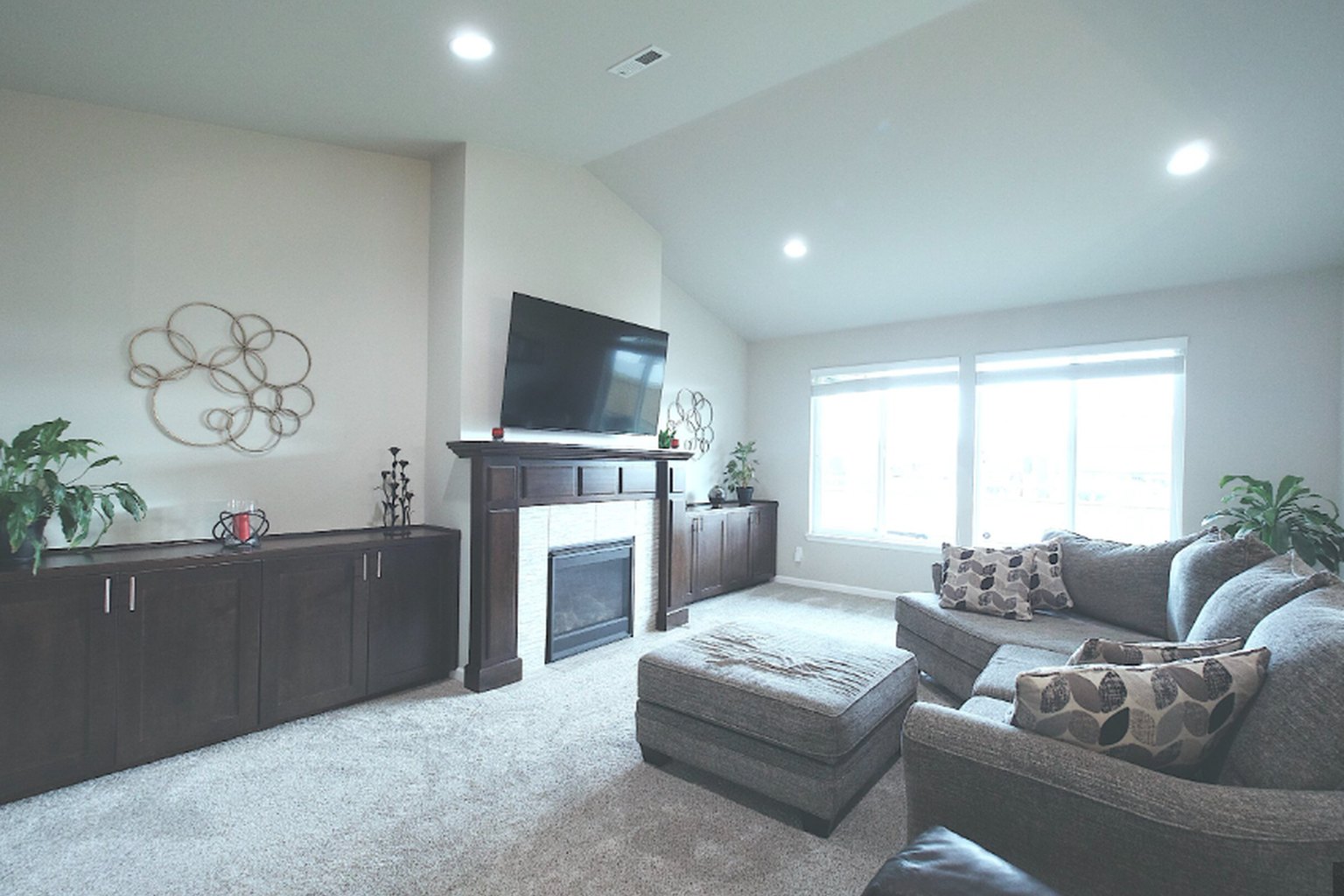
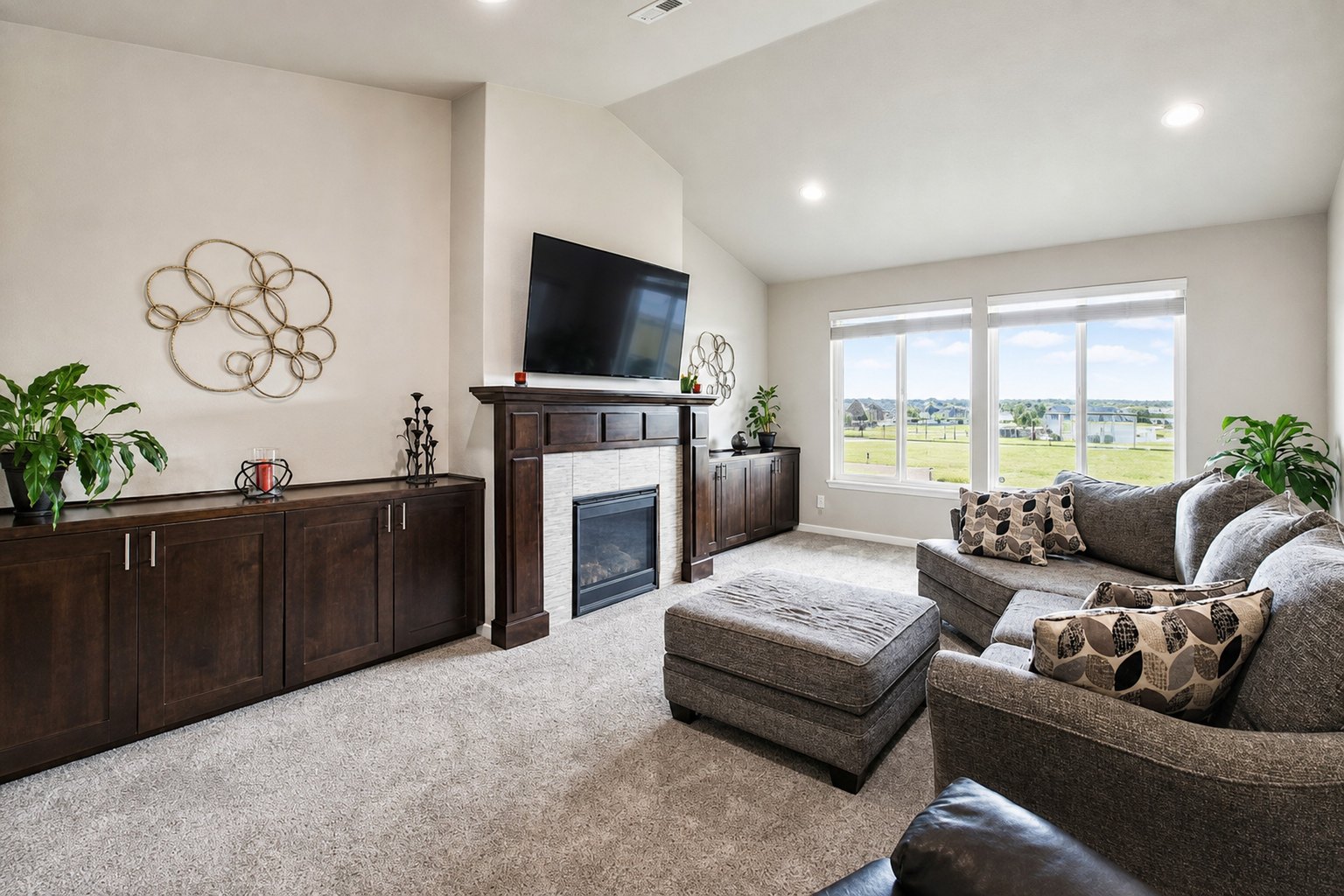 BeforeAfter
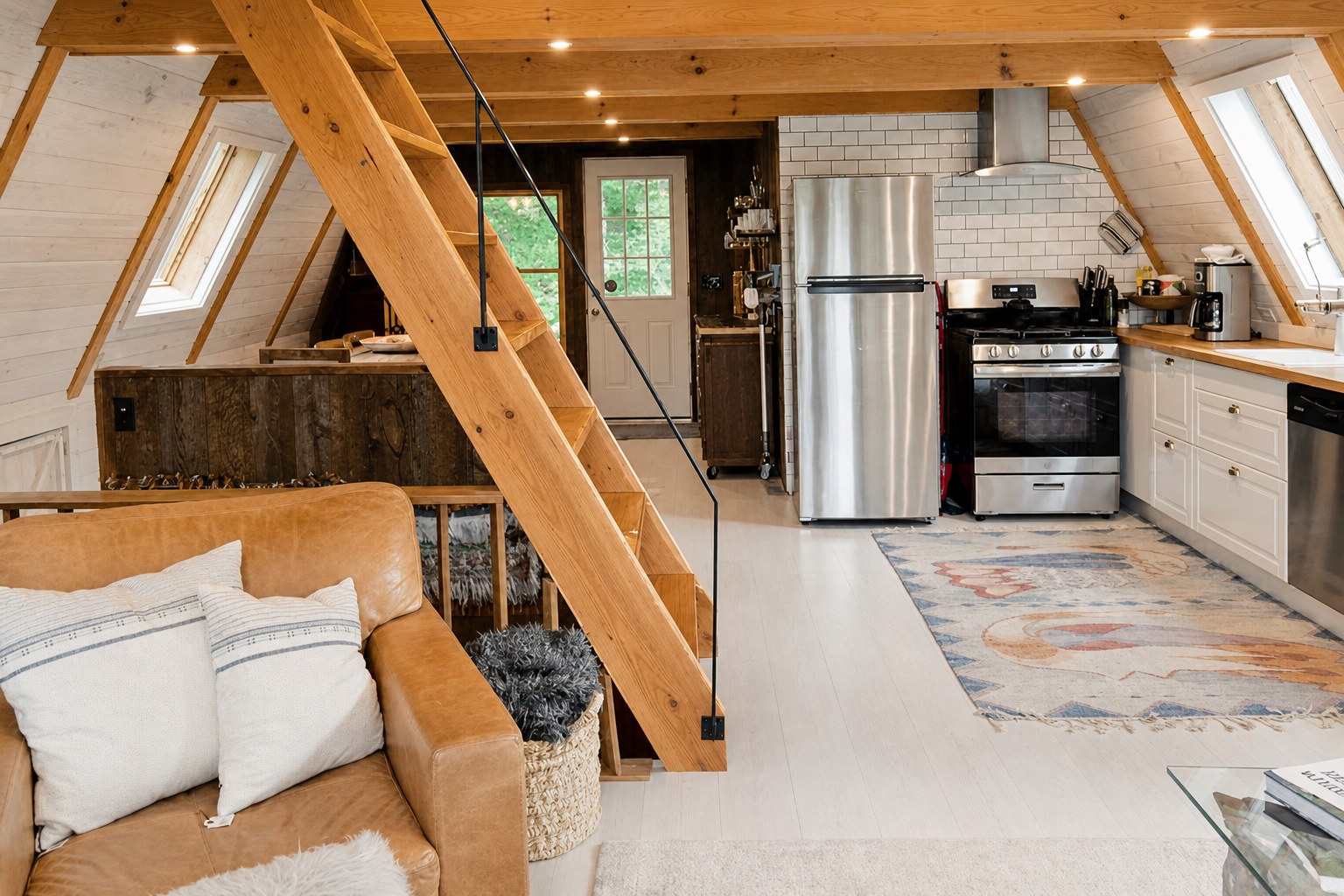 BeforeAfter
Everything in your AI enhancement
Everything a real-estate photo editor would fix — done automatically.
Straight, Level Lines
Fixes lens distortion and leaning walls, door frames and windows so rooms look properly square.
Balanced Light
Recovers blown-out windows and dark corners for a bright, open, inviting feel — never an over-baked HDR look.
True-to-Life Colour
Neutral whites and a touch of warmth. Yellow indoor-light and blue shade casts are removed.
Sharp, Clean Detail
Less noise in the shadows and naturally crisp trim, textures and fixtures — no plastic, over-smoothed look.
A Natural Finish
Window views and skies stay natural — no obviously swapped-in sky, no changed furniture.
3000px Resolution
Delivered at 3000 pixels on the long edge — plenty for Airbnb, Booking.com, Vrbo and your own website.
Three steps to listing-ready
No editing skills, no software, no waiting around.
Add your photos
Paste your listing link and we’ll find the photos, or upload your own — one or up to 25 at a time.
AI enhances them
Perspective, light, colour and sharpness are corrected, while the furniture and the room stay exactly as they are.
Preview & download
Compare your before and after side by side, then get the full-resolution, watermark-free photos ready to publish.
Frequently asked questions
How long does it take?
Usually around a minute per photo. When you submit several, they’re enhanced in parallel and you’ll see the preview as soon as the first one is ready.
Do I need an account?
No. Upload your photos or paste your listing link and you’ll see your enhanced preview in about a minute.
How many photos can I add?
One, or up to 25 at a time — JPG, PNG or WebP, up to 5 MB each. There’s a daily limit of 50 images per visitor.
Will it change what my rooms look like?
No. It corrects perspective, light and colour. It isn’t meant to add, remove or alter furniture or fixtures. As with any AI tool, please check each result before publishing it.
What happens to my photos?
Your photos are sent to an AI provider to be enhanced and stored privately — only your own browsing session can open them. See our Privacy Policy for details.
My link didn’t work — what now?
Some sites block automated access. Choose “Attach images manually” and add your photos directly.
Want your listing text to shine too? Get a report on your listing
Paste your link and we’ll score your listing and write ready-to-paste improvements for your title and description.